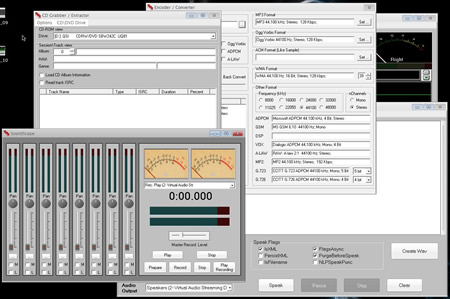
MAKE
YOUR OWN SUBLIMINAL CD'S AND MP3'S IN MINUTES!
COMPLETE STEP BY STEP SUBLIMINAL RECORDING SYSTEM
NEW PRODUCT
RELEASE Subliminal Visualizer
Pro
Run Life Changing Subliminal Messages on your
Computer Screen while your computer SPEAKS them
subliminally!!
Buy our
Subliminal Recording System
and receive our Subliminal
Visualize Pro
absolutely FREE!
Click Here for Details
As seen in
Support
Please fill out form and we will reply
as soon as possible.
Windows Vista Information
When running the SRS Program you must run it as an administrator. Take these steps to set the program to run as an Administrator.
Hit your start button and goto Programs
Next find Subliminal Recording System in your list and RIGHT CLICK on it.
Next choose "Properties" in the list.
Next hit the "ADVANCED" button you will see a checkbox that says "Run as Administrator". Place a check in the box and hit ok.
Thats it now everytime you run the program it will run as an administrator.